Pika 2.5 · Now live

Turn Ideas Into Cinematic Video, Instantly.

Pika AI is the AI video generator from Pika Labs — turn text prompts, images, and audio into scroll-stopping clips in seconds. No editing experience needed.

No editing experience needed. Just type, generate, and share.

P

Make money from your Pika AI Self Agent

Share Watch later
Audio-Driven Performances

Pika AI Just Leveled Up

PikaStream 1.0 is Pika's latest step toward making AI feel more human, bringing real-time video chat to agents so conversations feel more natural, expressive, and engaging.

Pika Powers Introducing Pika Powers — Smarter AI Video Editing, Styling & Creative Effects is Pika's creative toolkit for making AI videos more polished, expressive, and customizable. It helps users edit scenes, apply unique styles, and add eye-catching effects to create videos that feel more dynamic and personal.

Pika AI Selves a personalized AI "Self" you create and shape into a living extension of you, with persistent memory and customizable traits, built for fun, creative, and social experiences.

Pikaformance turns any voice track into a hyper real performance — just add an image, drop in your audio, and watch faces sing, speak, and react in near real time. Perfect for AI presenters, memes, music clips, and shorts.

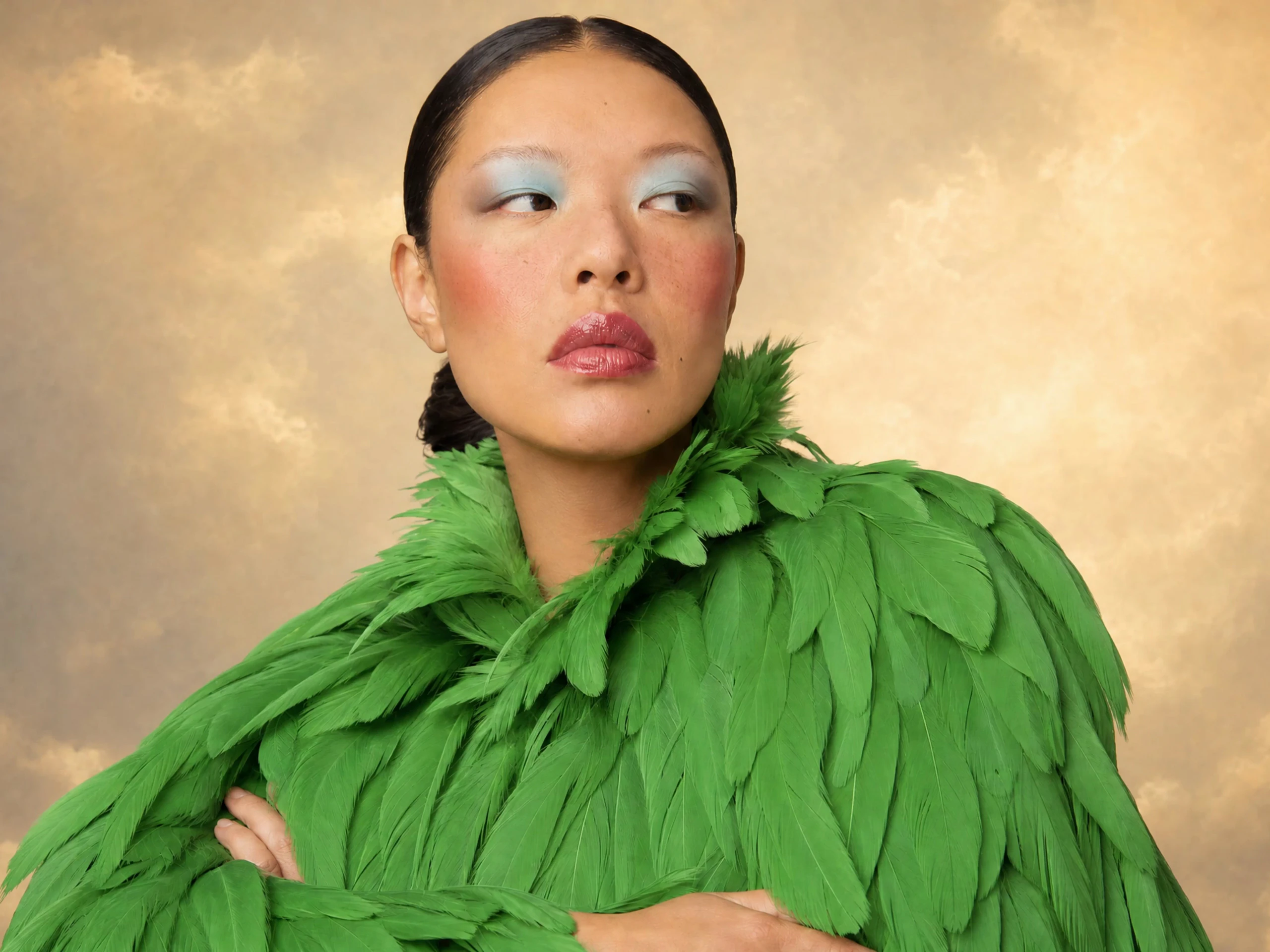
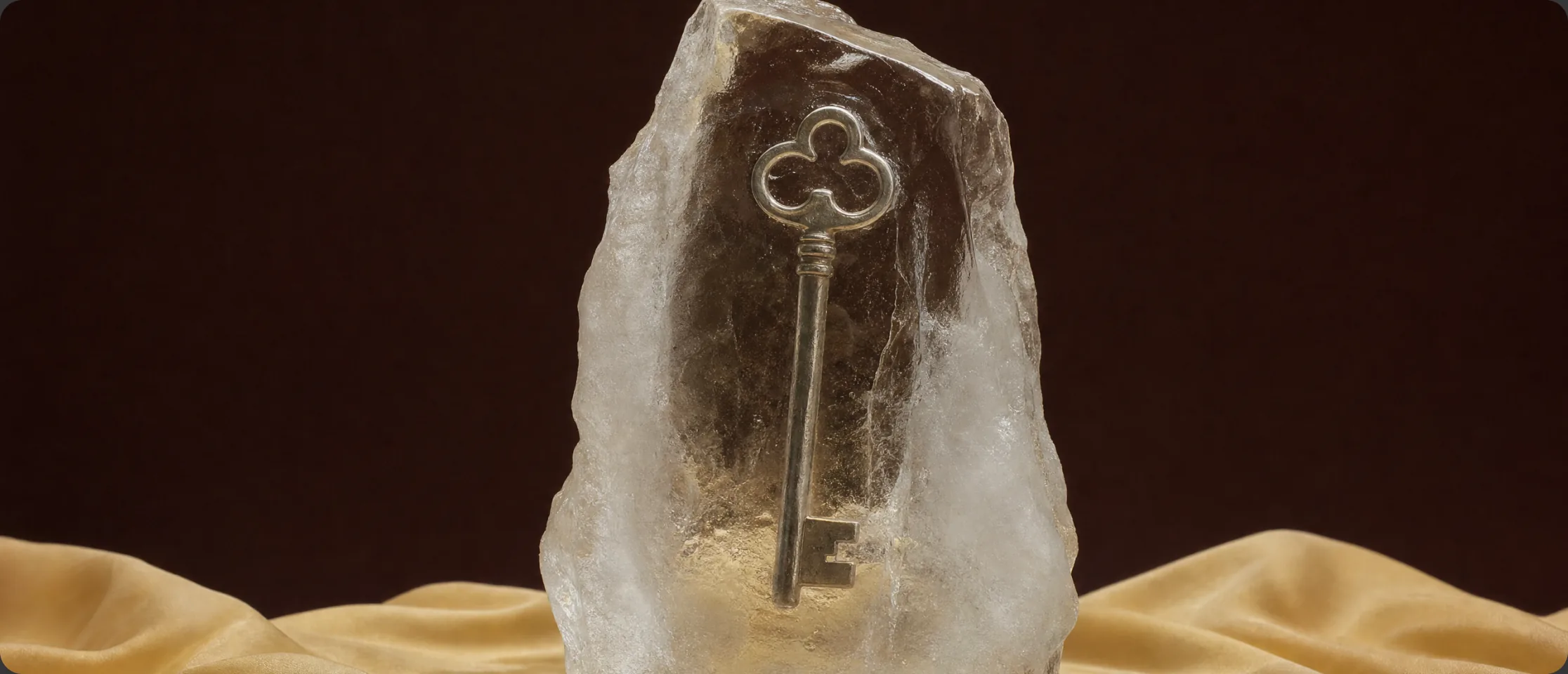
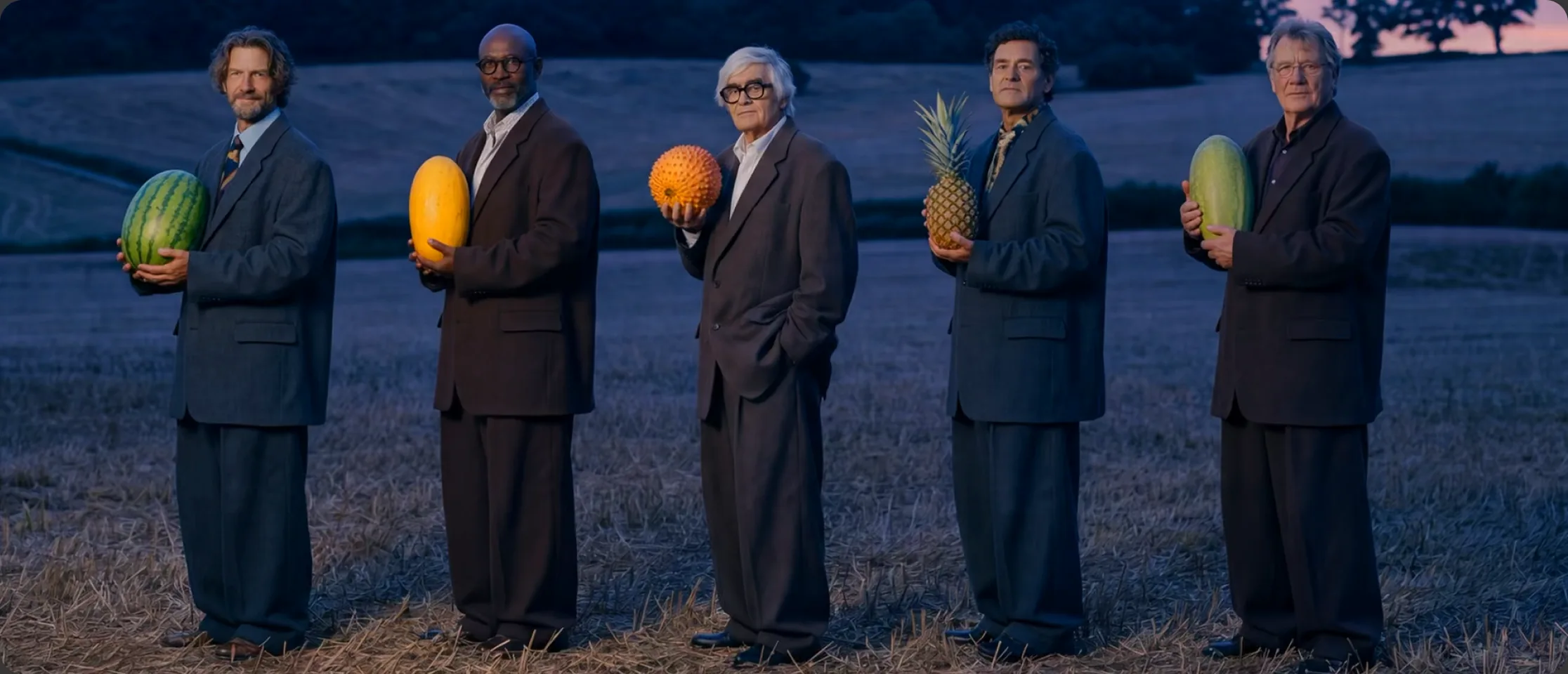
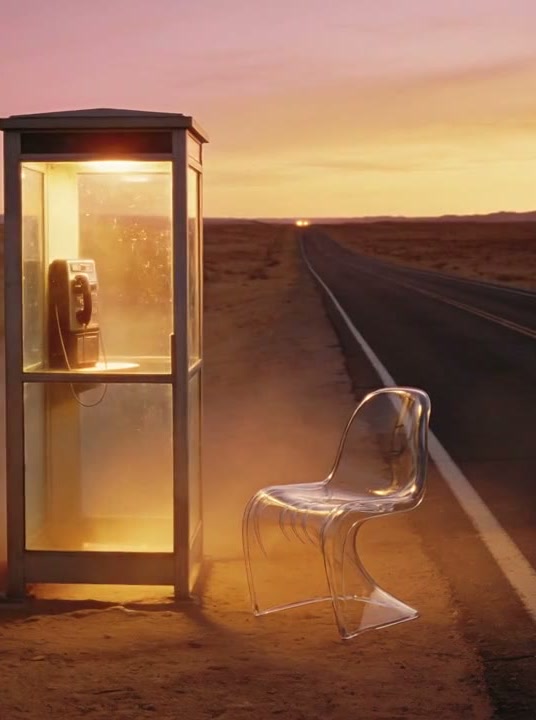
Pika 2.5 is Pika's upgraded video engine, delivering sharper visuals, smoother camera motion, and more reliable styles from every prompt. Perfect for turning quick ideas into polished, cinematic clips for TikTok, Reels, Shorts, and ads.

SELFIE · 5s
Make it yours

The person's head transforms into a bright balloon and floats up and out of frame as the room slowly changes color.

PORTRAIT · 5s
Make it yours

The character sits down, lifts their mug, and the entire scene slowly dissolves into stylized flames and light trails.

PIKA AI · AI VIDEO GENERATOR

Pika AI: Create Viral Videos from Text, Images & Audio

Pika AI is an AI video generator that helps you create short, cinematic clips using text prompts, images, and audio-driven performance. Built for TikTok, Reels, YouTube Shorts, and ads — designed for fast iteration and visual impact.

If you've ever struggled with spending hours on timelines and keyframes, or trying to make "good enough" video for social every day — Pika is made for you.

📝
Text-to-Video

Describe a scene and watch Pika generate it in seconds.

🖼️
Image-to-Video

Animate any still photo into a dynamic, cinematic clip.

🎤
Audio Lip-Sync

Turn a portrait + audio track into a realistic performance.

VFX & Styles

Apply dramatic effects — melt, explode, anime, cinematic.

Pika.AI - Model 2.5
🎬 Generating cinematic clip…
A young woman walking through a neon-lit street at night, cinematic lighting, slow dolly…
Generate →
The toolkit

Eight Tools. One Studio.

Each feature is tuned for a specific kind of shot. Mix and match — or pick one and run a whole series.

🎞️

Pikaframes

Generate longer, smoother cinematic clips with keyframe-style continuity — up to 25s at 1080p.

Paid Try Pikaframes
🎤

Pikaformance

Upload a portrait + audio track. Pika animates lips, eyes, and expressions in near real time.

Free Tier Try Pikaformance
🎬

Pikascenes

High-impact short cinematic scenes from prompts or visual inputs — built on Pika 2.5.

Paid Try Pikascenes

Pikadditions

Drop new characters, objects, or creative elements into existing footage without reshooting.

Free Tier Try Pikadditions
🔄

Pikaswaps

Swap or replace visual elements inside a clip — great for style changes and variant testing.

Free Tier Try Pikaswaps
🌀

Pikatwists

Apply a new action or creative twist to an existing video — fast visual changes for remixes.

Paid Try Pikatwists
🤳

Pika Selfies

Turn a single selfie into a stylized, social-ready short video in seconds.

New Try Pika Selfies

Pikaffects

Melt, explode, inflate, squish. One-click dramatic transformations for viral scroll-stopping hooks.

Free Tier Try Pikaffects
The Workflow

How Pika AI Works

Three simple steps from idea to share-ready video — no editing experience required.

01

Describe or Upload

Type a text prompt, upload a still image, or import a short clip as your starting point.

  • "cinematic robot girl in neon rain"
  • artwork, logo, product photo
  • 5–10 seconds of source footage
02

Customize the Look

Choose style, motion strength, and camera move. Add tools like Pikaframes, Pikaswaps, or Pikaffects.

  • cinematic · anime · 3D · cartoon
  • set aspect ratio and duration
  • camera: orbit · dolly · static
03

Generate & Ship

Get a clip in seconds. Refine by tweaking one variable at a time, then export and publish.

  • preview multiple takes
  • export up to HD
  • post to TikTok · Reels · Shorts
Models

Every Pika Version, Explained

From the first public release to the Turbo engine — pick the right model for your workflow.

First release

Core text-to-video & image-to-video. The one that started it all.

Effects upgrade

Pikaffects arrives. Melt, inflate, explode — viral-ready outputs.

New generation

Improved motion & higher quality across all generation types.

Refinements

More stable outputs, cleaner shots, fewer retries needed.

Pikaframes + 1080p

Keyframe motion control and native 1080p resolution.

Latest
Turbo model

Fastest generation. Powers Pikaswaps, Pikadditions, Pikatwists.

Top tier

Advanced models, HD export, commercial rights, and priority generation.

Best Prompt Templates (Copy & Paste)

Use these proven structures to get cleaner, more cinematic outputs every time.

Template 01 · Cinematic Realism

"A subject action in setting, cinematic lighting, realistic motion, shallow depth of field, film look, slow camera push-in."

Text-to-Video Pika 2.5
Template 02 · Stylized / Anime

"A subject action in setting, anime style, clean outlines, vivid colors, smooth motion, gentle camera pan."

Text-to-Video Style Mode
Template 03 · Product Ad Shot

"A clean product shot of product on a minimal background, studio lighting, subtle camera movement, premium commercial style."

Image-to-Video Brand
Template 04 · Viral Transformation

"Single subject centered, clean background, smooth transformation, no extra objects, clear edges."

Pikaffects Viral
Template 05 · Travel Reel

"A cinematic shot of place, golden hour lighting, smooth motion, drone-like camera glide, high detail, natural colors."

Text-to-Video Travel
Template 06 · Lip-Sync / Performance

"Front-facing portrait, clear lighting, mouth fully visible, no obstructions, clean audio, realistic expression sync."

Pikaformance Audio-driven


Pick Your Plan

Select a plan that fits your needs

Current plan
$0 Free
 
Basic

A perfect taste for the creatively curious

80 monthly video credits i
Access to Pika 2.5 (480p only), Pikascenes, Pikadditions, Pikaswaps, Pikatwists, Pikaffects Image-to-Video only
Download videos with no watermark
Purchase more roll over video credits
Commercial use
$8 / month
billed yearly
Standard

More videos meets more editing features

700 monthly video credits i
Access to Pika 2.5 (all resolutions), Pikaframes, Pikascenes, Pikadditions, Pikaswaps, Pikatwists, all Pikaffects
Fast generations
Purchase more roll over video credits
Download videos with no watermark
Commercial use
Best value
$28 / month
billed yearly
Pro

More speed, more videos, more fun

2300 monthly video credits i
Access to Pika 2.5 (all resolutions), Pikaframes, Pikascenes, Pikadditions, Pikaswaps, Pikatwists, all Pikaffects
Faster generations
Purchase more roll over video credits
Download videos with no watermark
Commercial use
$76 / month
billed yearly
Fancy

The crème de la creativity

6000 monthly video credits i
Access to Pika 2.5 (all resolutions), Pikaframes, Pikascenes, Pikadditions, Pikaswaps, Pikatwists, all Pikaffects
Fastest generations
Purchase more roll over video credits
Download videos with no watermark
Commercial use
Credits & Usage

Pika AI Credits - Full Breakdown

Every generation uses credits based on quality, duration, and model. Here's exactly what each tool costs.

iPIKAFFECTS
Type Image-to-Video Video-to-Video
Duration 5s
Credits + Plan
15 credits Free
18 credits Paid
iTEXT-TO-VIDEO & IMAGE-TO-VIDEO
Quality 480p 720p 1080p
Duration 5s 10s 5s 10s 5s 10s
Model 2.5
12
credits
Free
24
credits
Paid
20
credits
Paid
40
credits
Paid
40
credits
Paid
80
credits
Paid
iPIKASCENES
Quality 480p 720p 1080p
Duration 5s
Credits + Plan
20 credits Free
35 credits Paid
65 credits Paid
iPIKAFRAMES
Quality 480p
Duration 5s 10s 10–15s 15–20s 20–25s
Model 2.5
12 credits Free
24 credits Paid
36 credits Paid
48 credits Paid
60 credits Paid
Quality 720p 1080p
Duration 5s 10s 10–15s 15–20s 20–25s 5s 10s 10–15s 15–20s 20–25s
Model 2.5
20 crPaid
40 crPaid
60 crPaid
80 crPaid
100 crPaid
40 crPaid
80 crPaid
120 crPaid
160 crPaid
200 crPaid
iPIKATWISTS
Model Turbo Pro
Quality 720p 1080p
Duration 5s
Credits + Plan
60 credits Free
80 credits Paid
iPIKAFORMANCE
Quality 720p
Audio Duration Up to 10s Up to 30s
Credits + Plan
3 credits/second Free
3 credits/second Paid
iPIKADDITIONS & PIKASWAPS
Quality 480p 720p 1080p
Duration 5s
Credits + Plan
20 credits Free
35 credits Paid
65 credits Paid
Audience

Who Is Pika AI For?

Pika AI is designed for anyone who needs high-impact video without spending days inside complex editing software.

🎥

Content Creators & Influencers

Make TikToks, Reels, Shorts and stories with cinematic shots, animated characters, and trend-ready visuals in a few clicks.

📣

Marketers & Brands

Generate product teasers, ad concepts, animated banners and logo reveals to test campaigns quickly and cheaply.

📚

Educators & Coaches

Turn abstract ideas into explainer clips, course intros and concept demos using animated visuals and AI presenters.

🎮

Game Devs & Artists

Animate concept art, create mood scenes and stylized shorts to explore worlds, characters and story moments in minutes.

🚀

Founders & Startups

Produce launch videos, pitch visuals and product mockups without a studio or production crew — just your browser.

Use Cases

What Can You Create With Pika AI?

Pika works best for short, high-impact videos. The sweet spot is content that needs a "wow moment" quickly.

Viral Transformations

Clips where something changes dramatically. An object melts, a character inflates, a photo becomes cinematic. Works even when the viewer has zero context.

  • Object melts or explodes
  • Photo turns cinematic
  • Scene inflates or squishes
🎬

Short Cinematic Scenes

Mini "movie moments" — neon city walks, dreamy landscapes, dramatic close-ups. Perfect for intros and transitions.

  • Neon city walk
  • Fantasy landscape shot
  • Cinematic close-up
🎤

Talking Characters

Faces that speak, sing, narrate or react. Popular for memes, mascots and voiceover hooks.

  • Channel mascots
  • Meme content
📦

Product Visuals for Ads

Animated product scenes, background motion, reveal effects, and attention-grabbing variations. Even a simple product photo becomes a moving clip with Pika.

  • Product reveal animation
  • Studio background motion
  • Social ad creative variants
✈️

Travel & Lifestyle Reels

Animate photos, create stylized transitions, generate cinematic b-roll and add motion to landscapes — all without a camera crew.

  • Animated travel photos
  • Cinematic b-roll clips
  • Golden-hour landscape reels
Strategy

Pika AI for Social Media Growth

If you want to grow an account, consistency wins. The fastest creators publish the most tests. Here's the proven approach.

Free Plan

Pika Labs Free Credits Per Day

How the free credit system actually works — and how to stretch it further.

The free plan gives you a limited monthly bucket of credits, not a fixed daily number. You can use them all in one session or spread them over many days — it's your choice.

On the free tier, most users get enough to generate a handful of short clips (roughly 5–8 at 480p) before hitting the monthly cap. Each generation consumes credits based on duration, resolution, and the tool used.

Once your monthly credits run out, you'll need to wait for the next reset or upgrade to a paid plan for more consistent daily generation.

💡

Credit-saving rule: Generate short 480p drafts first → pick your favourite → then render the final version at full quality. This can cut credit usage by up to 60%.

Monthly Credits by Plan
Free
~150 cr
Starter
700 cr
Pro
2,000 cr
Free Starter $8/mo Pro $28/mo
12 cr
480p · 5s clip
80 cr
1080p · 10s clip
PIKA AI · LIMITATIONS

Pika AI Limitations

Pika is powerful for short, stylised clips — but it isn't perfect for every project. Keep these in mind when planning your workflow.

⏱️

Short Clip Lengths

Pika focuses on 3–10 second clips. You can chain shots together, but it's not designed for full-length films, long YouTube videos, or full courses on its own.

🎲

Inconsistent Results

As with most generative video tools, outputs can vary. The same prompt may produce different results, and complex scenes sometimes need several regenerations.

🎚️

Limited Fine-Grained Control

Pikaframes, Pikaswaps and other tools add control, but you don't get precise frame-by-frame keyframing or full timeline editing like Premiere or DaVinci.

🪙

Credit-Based Usage

Every generation consumes credits based on resolution and duration. Heavy use — especially 1080p or Pikaformance clips — can drain credits quickly and may require a higher plan.

☁️

Cloud-Only Workflow

Pika runs in the cloud, so you need a stable internet connection. There's no fully offline or on-prem version for strict enterprise environments.

⚖️

Brand & Legal Checks Still Needed

Generated content may still need human review for brand safety, likeness rights, licensing and platform policies. Pika speeds up creation but doesn't replace those checks.

PIKA AI · TROUBLESHOOTING

Troubleshooting: Why Your Results Look Bad

Most beginners hit the same predictable problems. Here's the fix list — common issues and exactly how to solve them.

Scene looks messy or random
How to Fix It
  • 1Reduce the number of objects in your prompt
  • 2Specify "clean background" or "minimal scene"
  • 3Focus on one subject and one clear action
Motion looks strange or jerky
How to Fix It
  • 1Choose simpler actions — walking, turning, smiling
  • 2Avoid "fighting, exploding, many people" early on
  • 3Start with medium motion strength and adjust
Faces look distorted or off
How to Fix It
  • 1Use image-to-video with a high-quality portrait
  • 2Keep lighting consistent across the shot
  • 3Avoid extreme angles and face coverings
Clip doesn't match the prompt
How to Fix It
  • 1Add 1–2 specific cues: camera + style keywords
  • 2Remove conflicting style words from the prompt
  • 3Try a shorter, clearer prompt and iterate
Watermark appears on export
How to Fix It
  • 1Confirm your subscription is active inside Pika
  • 2Use Final Export — not the Preview render
  • 3Clear browser cache or restore purchase on mobile
Generation is slow
How to Fix It
  • 1Try shorter drafts (5s at 480p) first
  • 2Generate during off-peak hours for faster queue
  • 3Upgrade to Pro for priority generation access
Latest

Guides, Tutorials & Video Posts

Watch step-by-step walkthroughs, feature breakdowns, and Pika AI comparisons — all on YouTube.

YouTube Channel →
Pika Agents 8:14

Pika Agents: We replaced the prompt box with a person

Pika Agents are intelligent AI companions designed to talk, remember, adapt, and complete tasks for you. They can support real-time conversations, creative workflows, personal assistance, and interactive digital experiences.

Pika MCP - Pikafy your Claude

Pika MCP connects Pika-powered agents with external tools, apps, and data sources through the Model Context Protocol.

PIKA AI · FAQ

Frequently Asked Questions

Quick answers about Pika AI - credits, prompts, lip-sync, watermarks, and more.

What is Pika AI?+
Pika AI is an AI video generator from Pika Labs. It turns text prompts, images, and short video clips into short, cinematic videos — built for TikTok, Reels, YouTube Shorts, ads, and concept work.
Is Pika AI free to use?+
Yes — Pika offers a free tier with monthly credits so you can test the core features. For consistent daily output, higher resolutions, and watermark-free exports, most creators upgrade to a paid plan.
What is Pikaformance?+
Pikaformance is Pika's audio-driven performance model. Upload a portrait, drop in an audio track, and Pika animates the face — lips, expressions, and micro-reactions — in sync with the sound.
What are Pikaffects?+
Pikaffects are built-in AI video effects that create dramatic visual transformations — melt, squish, inflate, dissolve, explode — designed for scroll-stopping viral moments.
Does my video have a watermark?+
Free plan exports include a watermark. Paid plans (Starter and above) include watermark-free HD exports. Always confirm under export settings in your account before publishing.
Can I use Pika videos commercially?+
Commercial use is allowed on paid plans that include commercial rights. Always review the latest terms inside your Pika account before using clips for paid ads, clients, or campaigns.
What's the difference between Pika 2.5 and 2.2?+
Pika 2.5 is the Turbo model — faster generation, optimized for tools like Pikaswaps, Pikadditions, and Pikatwists. Pika 2.2 introduced Pikaframes (keyframe motion control) and native 1080p resolution. Both are available on paid plans.
How do I get better results?+
Use a clear prompt structure: subject + action + setting + style + camera. Keep scenes simple — one main subject, one clear action. Generate 3–5 variants and change one variable at a time when refining.

Your idea wants to move.

Open Pika AI and turn the next thing in your head into a clip in under a minute. No editor required.

No credit card required · Free monthly credits · Cancel anytime